Using APIs

SICSS, 2023

Christopher Barrie

Introduction

  • What is an API?
  • Getting Data
    • Applied examples

    • Group work

What is an API?

  • “Application Programming Interface”
    • We’ll focus on: Web APIs

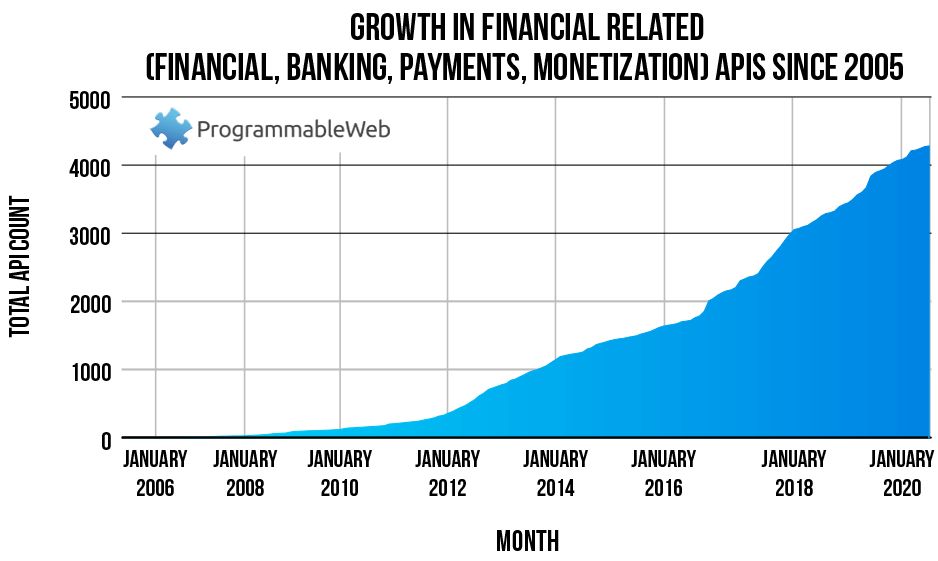
API use over time

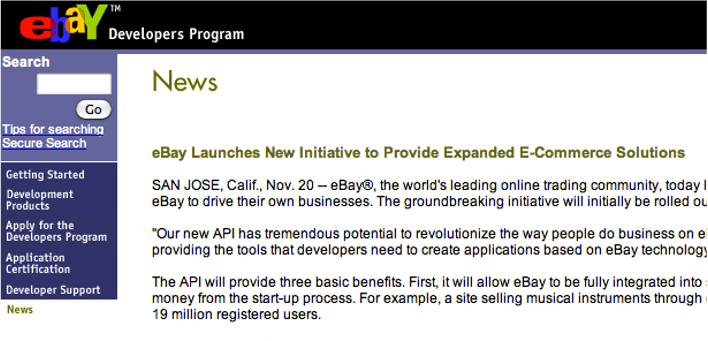
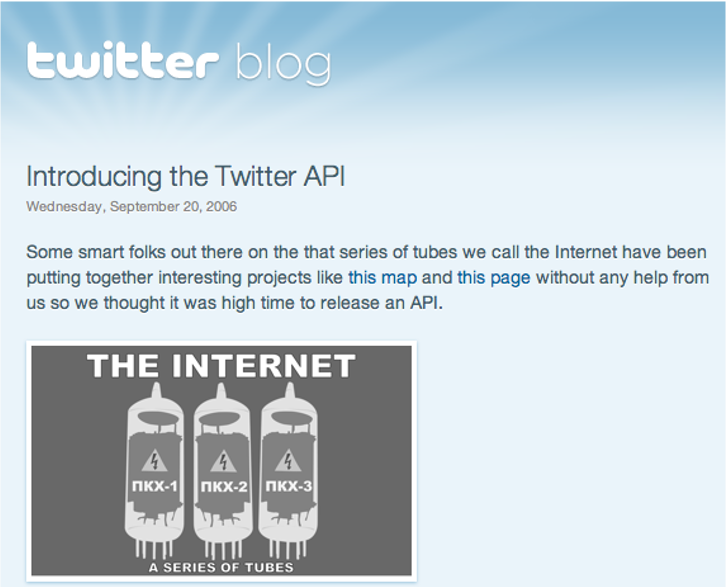
Early APIs

Early APIs
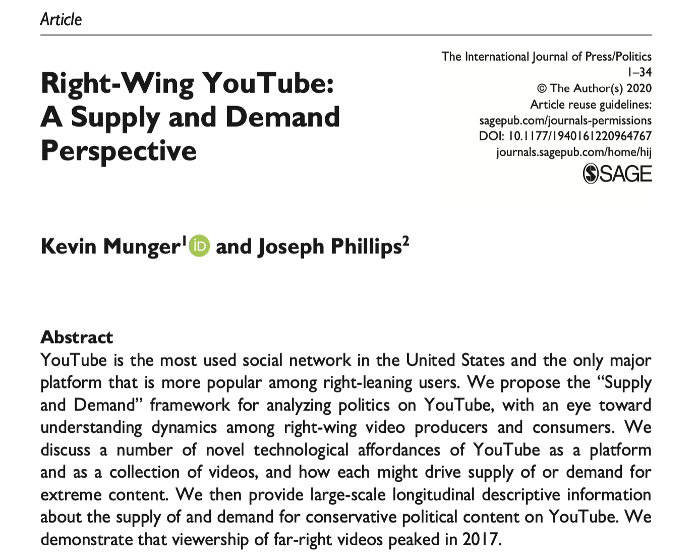
Examples
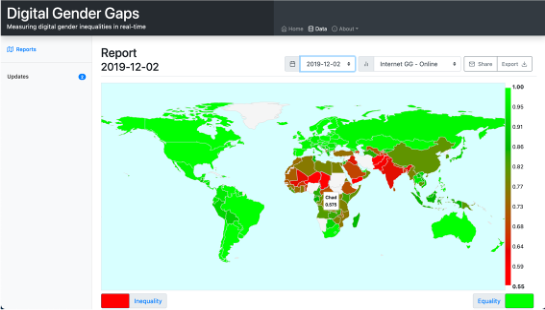
Examples

What’s an API made of?

  • We’re talking about Web APIs
  • Application Programming Interface”
  • Helpful to think about compared to scraping…

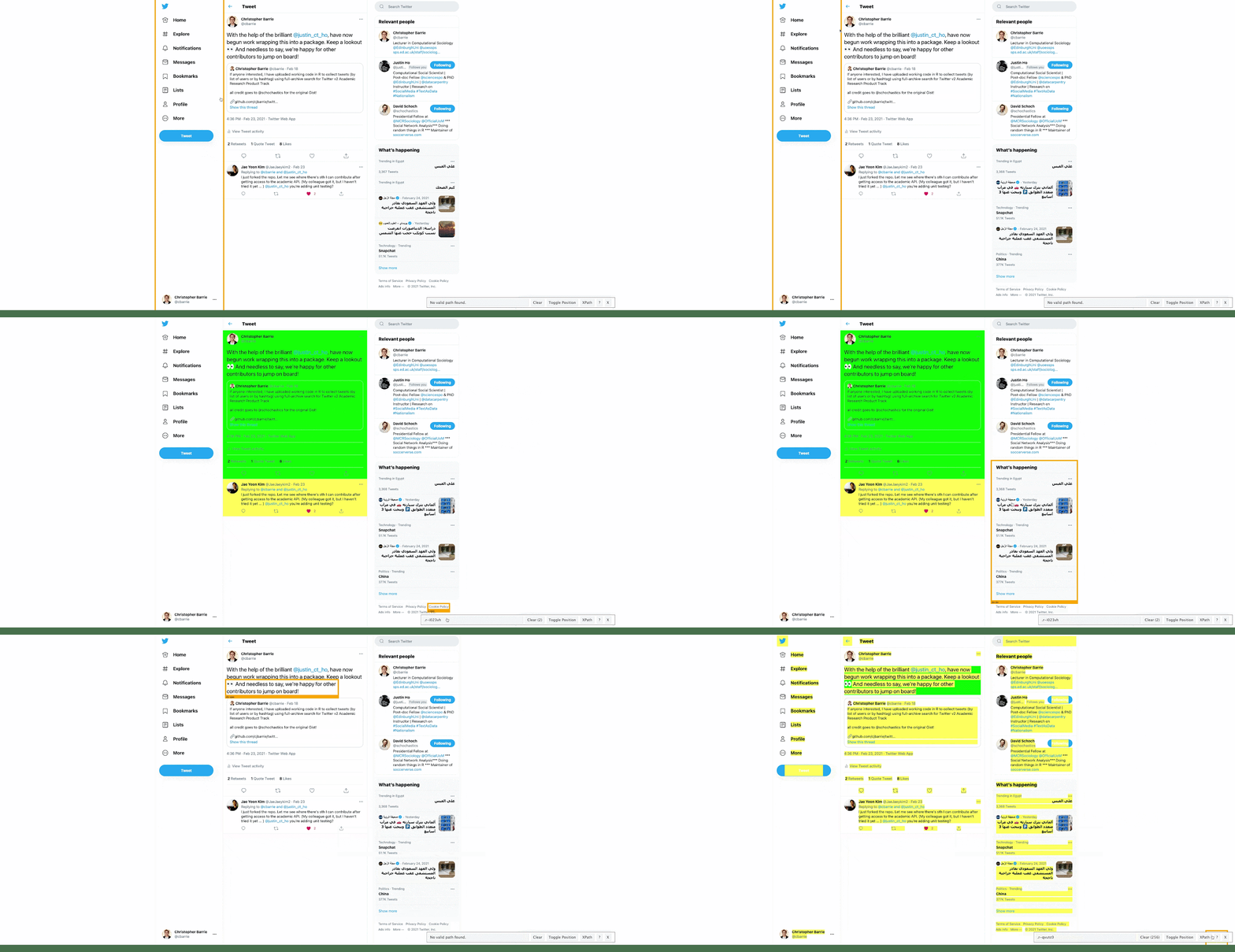
Scraping Twitter

Using the Twitter API
Requesting versus scraping

  • Scraping:
    • Extracts visible content from screen

    • Often trial and error as not optimized for serving data ( legibility not readability)

  • API calls
    • Requests content from a “blank” version of page

    • Delivers data in more readily usable format (JSON, csv etc.)

What does it look like?

  • Essentially, a long URL string…
https://api.twitter.com/2/tweets/search/all + something + something else

What is it made of?

  1. A query
  2. An endpoint
  3. Optional parameters

What is it made of?

my_query <- "#BLM lang:EN"

endpoint_url <- "https://api.twitter.com/2/tweets/search/all"

params <- list(
  "query" = my_query,
  "start_time" = "2021-01-01T00:00:00Z",
  "end_time" = "2021-07-31T23:59:59Z",
  "max_results" = 20
)

What is it made of?

my_query <- "#BLM lang:EN"

endpoint_url <- "https://api.twitter.com/2/tweets/search/all"

params <- list(
  "query" = my_query,
  "start_time" = "2021-01-01T00:00:00Z",
  "end_time" = "2021-07-31T23:59:59Z",
  "max_results" = 20
)

params
$query
[1] "#BLM lang:EN"

$start_time
[1] "2021-01-01T00:00:00Z"

$end_time
[1] "2021-07-31T23:59:59Z"

$max_results
[1] 20

What is it made of?

r <- httr::GET(url = endpoint_url,
               httr::add_headers(
                 Authorization = paste0("bearer ", Sys.getenv("TWITTER_BEARER"))),
               query = params)

r[["url"]]
[1] "https://api.twitter.com/2/tweets/search/all?query=%23BLM%20lang%3AEN&start_time=2021-01-01T00%3A00%3A00Z&end_time=2021-07-31T23%3A59%3A59Z&max_results=20"

But we don’t often do this…

So what we’ll do is …

  • We’ll focus on academictwitteR
  • But we’ll also be thinking later more generally about:
    • APIs
    • research design

Analyzing Twitter data

Why?

  1. Important site of political communication
  2. Important site of social interaction
  3. It’s very accessible

Especially, since intro. of Academic Research Product Track

Twitter Academic API

  • 10m tweets monthly
  • Full historical archive
  • Authorization requires…

Authorization

Go here

  1. Do you have an academic profile?
  2. Can you describe your research?
    • Will you share with government entity?
    • Is the research non-commercial?
    • Is it conducted at individual level?
    • Will you make non-anon. data available?

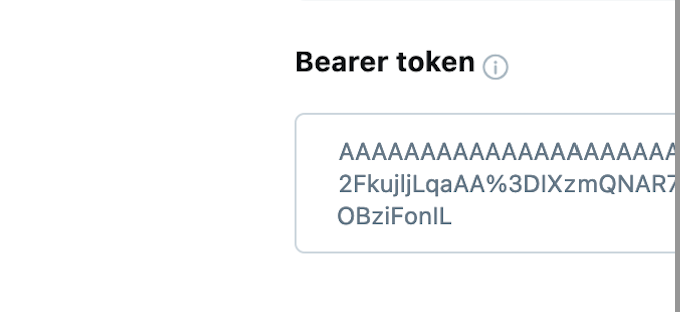
What you’ll see

Or a live example…

What you’ll see

This is what the Developer Portal looks like

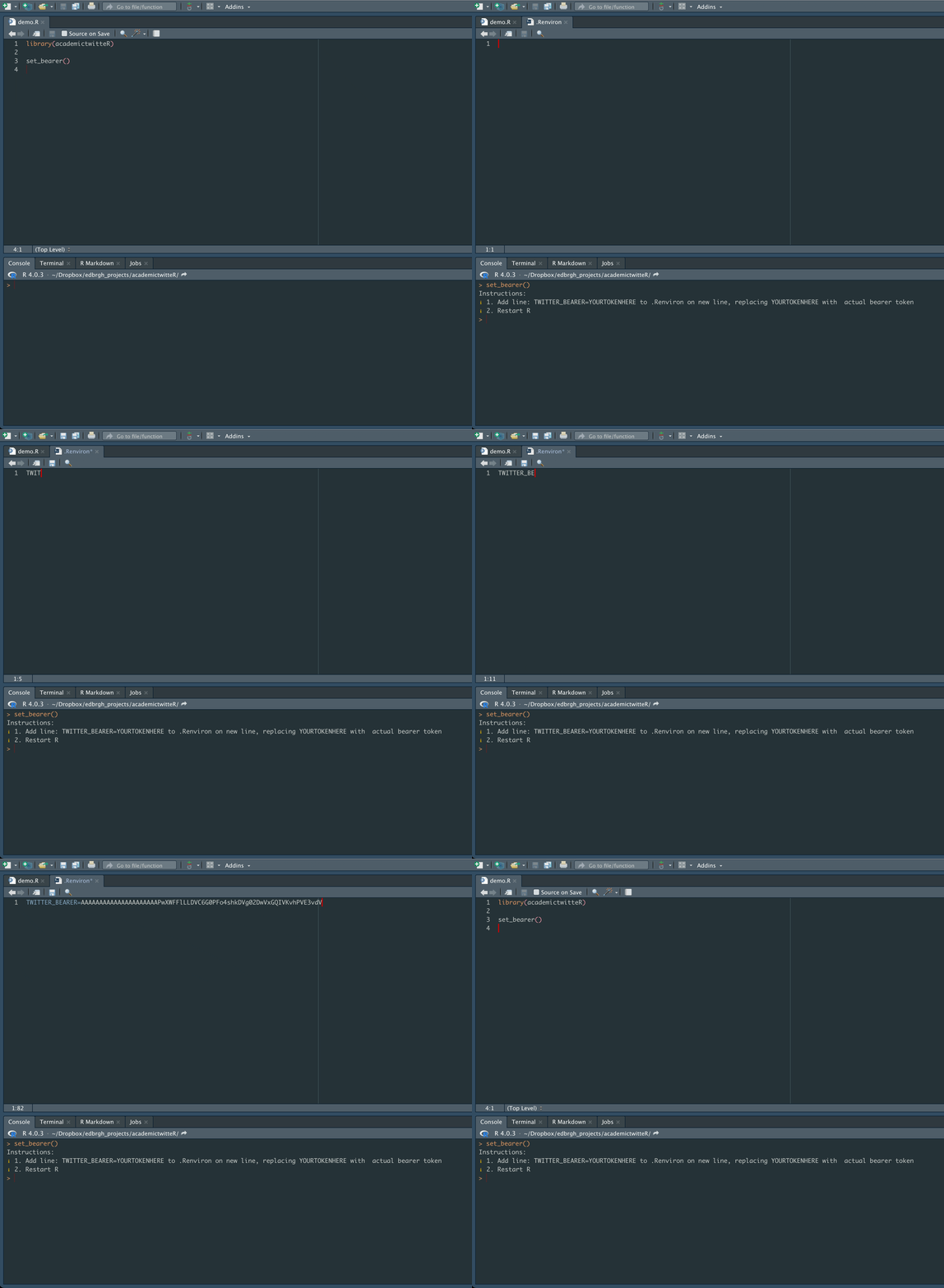
Getting started…

Don’t forget to Restart R

After we’ve done that…

We’re good to go 🥳

After we’ve done that…

We’re good to go 🥳…

Sort of