Analyzing Twitter Data
Oxford Spring School, 2022
Christopher Barrie
Introduction
Day 1
- General intro.
Counting tweetsApplied examples
Group work
Getting tweetsApplied examples
Group work
Introduction
Day 2
Getting friends/followersApplied examples
Group work
Getting data outside the APIApplied examples
Group work
Replication task- Group work
Introduction
Day 3
- Group projects
1.5 hrs prep.
1.5 hrs pres.
Research question
Data you targeted
Empirical strategy (e.g., experimental, observational, inferential)
Findings
Analyzing Twitter data
Why?
- Important site of political communication
- Important site of social interaction
- It’s very accessible
Especially, since intro. of Academic Research Product Track…
Twitter Academic API
- 10m tweets monthly
- Full historical archive
- Authorization requires…
Authorization
Go here
- Do you have an academic profile?
- Can you describe your research?
- Will you share with government entity?
- Is the research non-commercial?
- Is it conducted at individual level?
- Will you make non-anon. data available?
What you’ll see
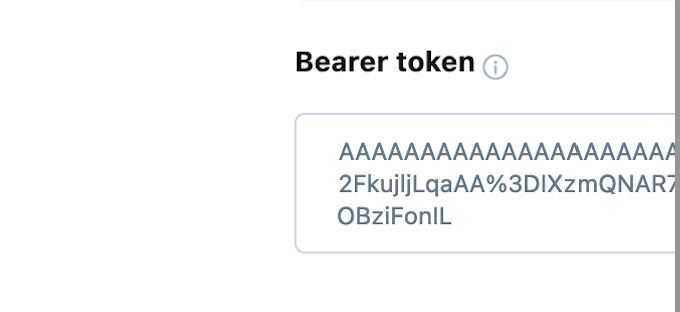
Or a live example…
What you’ll see
This is what the Developer Portal looks like
Getting started…
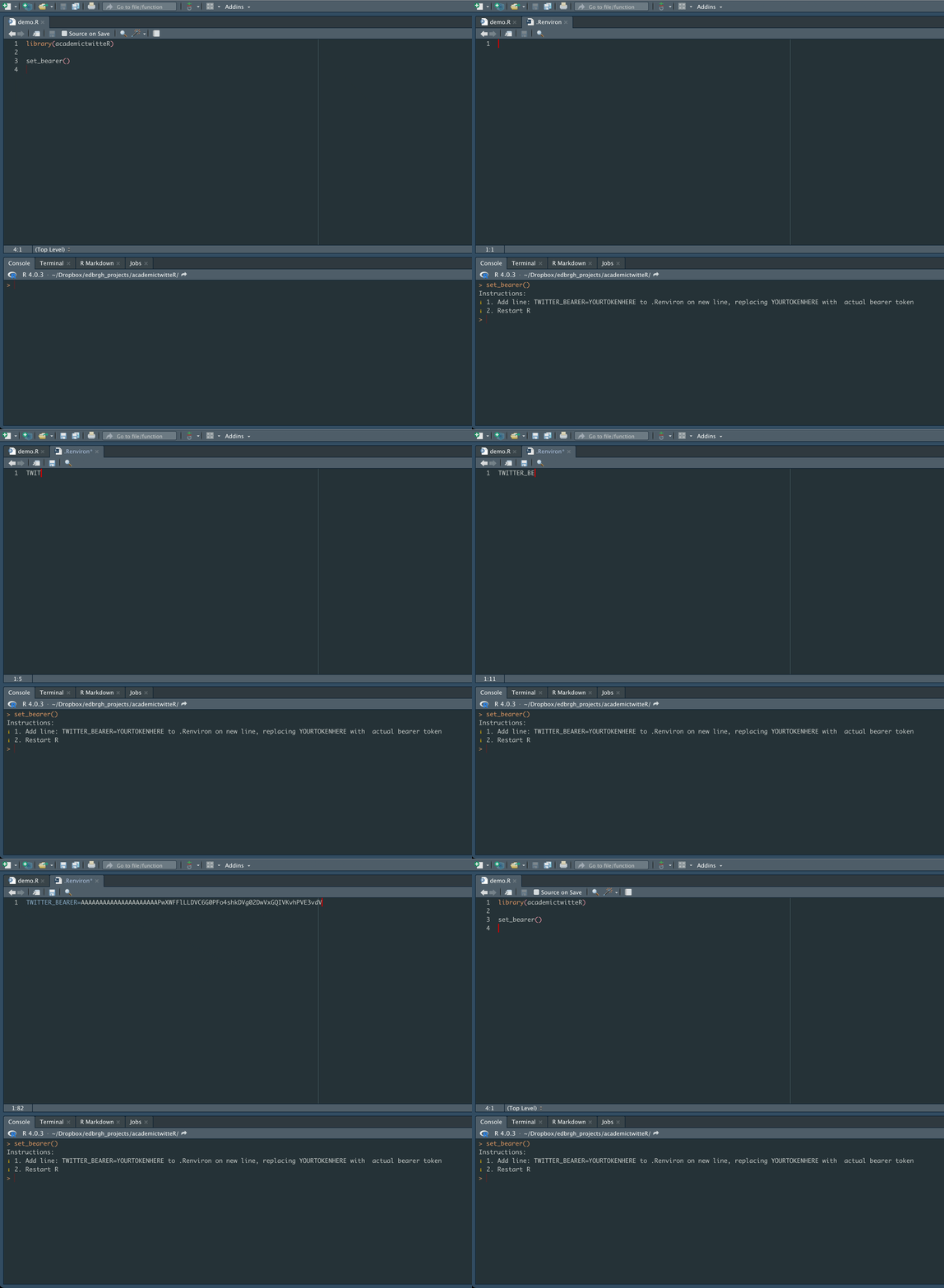
Don’t forget to Restart R
After we’ve done that…
We’re good to go 🥳
After we’ve done that…
We’re good to go 🥳
But before we do that…
What’s an API anyway?
- We’re talking about Web APIs
- “Application Programming Interface”
- Helpful to think about compared to scraping…
Scraping Twitter
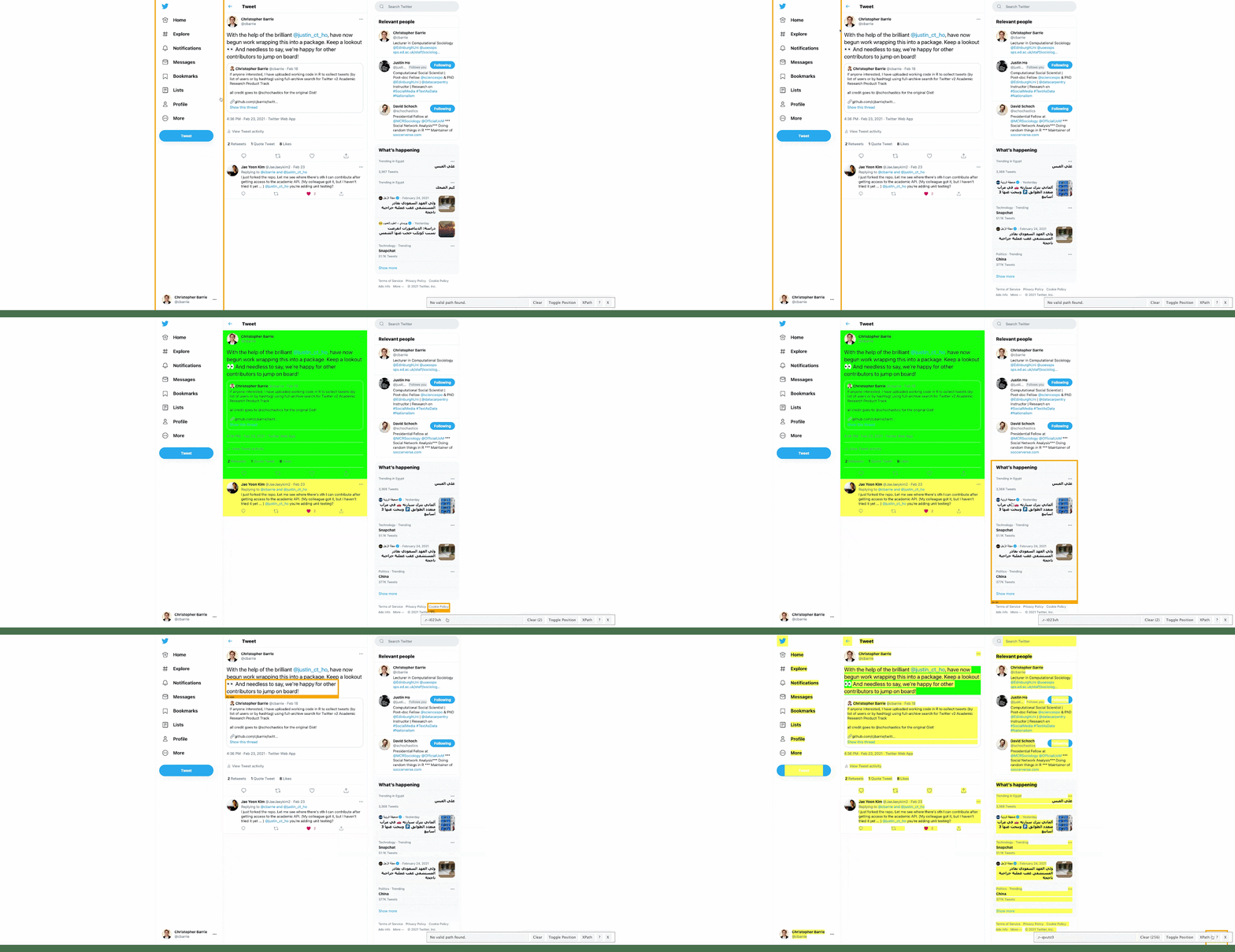
Using the Twitter API
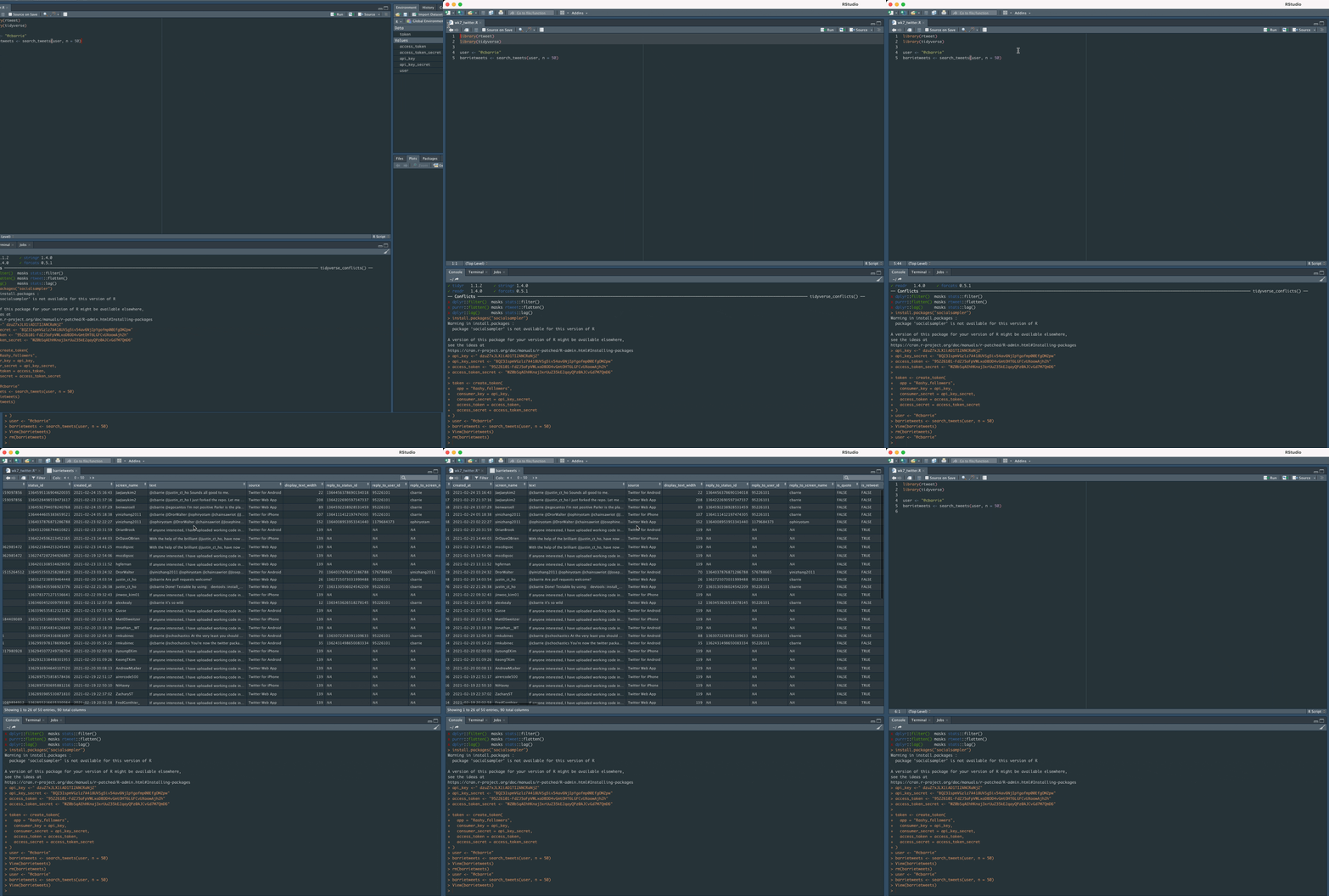
Requesting versus scraping
- Scraping:
Extracts visible content from screen
Often trial and error as not optimized for serving data ( legibility not readability)
- API calls
Requests content from a “blank” version of page
Delivers data in more readily usable format (JSON, csv etc.)
What does it look like?
Essentially, a long URL string…
TODO Insert example API request here
What is it made of?
- A query
- An endpoint
- Optional parameters
What is it made of?
What is it made of?
my_query <- "#BLM lang:EN"

endpoint_url <- "https://api.twitter.com/2/tweets/search/all"

params <- list(
  "query" = my_query,
  "start_time" = "2021-01-01T00:00:00Z",
  "end_time" = "2021-07-31T23:59:59Z",
  "max_results" = 20
)
params$query
[1] "#BLM lang:EN"
$start_time
[1] "2021-01-01T00:00:00Z"
$end_time
[1] "2021-07-31T23:59:59Z"
$max_results
[1] 20But we don’t often do this…
- Pre-packaged libraries more common
- E.g.,
academictwitteR- Co-developed with Justin Ho and Chung-Hong Chan
- E.g.,

So what we’ll do is …
- We’ll focus on
academictwitteR - But we’ll also be thinking later more generally about:
APIs
research design